
Description
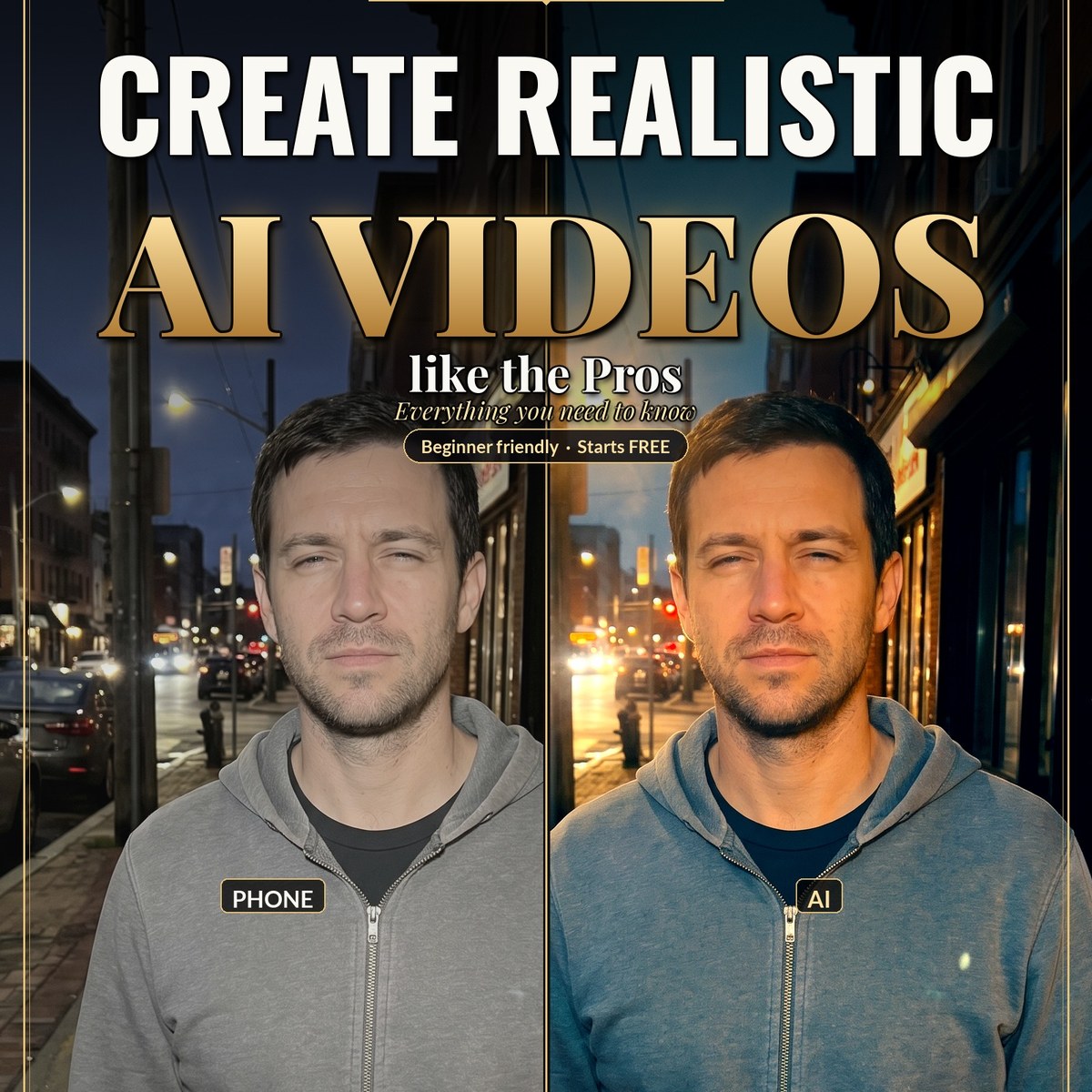
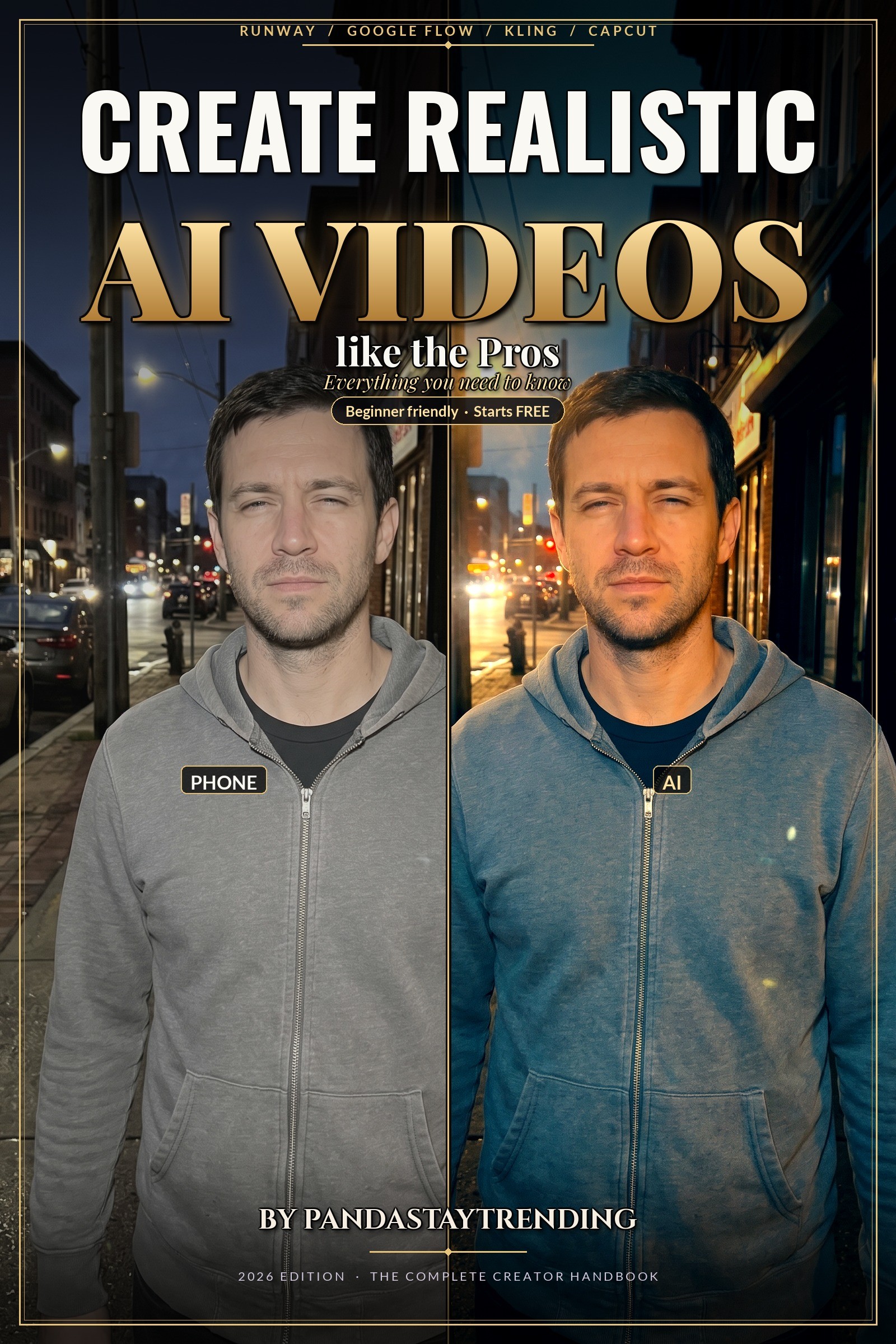
You’ve seen the clips that look real — a character that stays the same face from shot to shot, a camera that moves on purpose, a short film that feels filmed. I’m Vall, writing as Pandastaytrending, and this is the hands-on book I wish I’d had when I started.
What you’ll be able to do
- Make your first realistic AI clip on free daily credits in Google Flow
- Direct camera and motion with prompts, start/end frames, and re-angled shots
- Keep one character consistent across scenes
- Borrow full-body motion and lip sync the ethical way (your own performance, consent first)
- Plan, shoot, edit, and sound a short film, then label and post it
- Know what it costs at free, budget, and serious levels before you spend a credit
Who it’s for
Total beginners. The book assumes you’re curious, not technical, have a phone or computer and internet, and are somewhere between 13 and 70. If you’re under 18, the free path is yours today; paid plans and platform payouts need an adult, and the book flags those spots. You want results that look real — not cartoon filters.
What’s inside (5 parts + Cheat Sheet)
- Part 1 — Getting Ready: how realistic AI videos are made; spotting quality vs AI slop; what it costs; GPUs, cloud, and APIs in plain words
- Part 2 — Making Your First Clips: first free clip in Flow; camera and motion; character consistency; ethical face/performance swaps; voice and lip sync
- Part 3 — Making a Short Film: script and shot list; shoot shot by shot; edit, sound, and upscale in CapCut; optional local ComfyUI / Wan 2.2
- Part 4 — Sharing and Earning: posting and AI labels on TikTok and Instagram; ways creators get paid; risks, consent, and deepfake laws
- Part 5 — The Part of Tens: ten fixes for common AI video problems
- Cheat Sheet: prompt formula, platform settings, film workflow, money at a glance, method picks, three safety rules
Tools covered in the book
Google Flow (Omni 1.1 Flash and related Flow features), Runway (Gen-4 / Gen-4.5, References, Act-Two, Aleph / Edit Studio, Kling 3.0 Motion inside Runway), Kling (Motion Control, Lip Sync, Elements), CapCut, FaceFusion (one-click installer), ComfyUI with Wan 2.2 / Wan 2.2 Animate, ElevenLabs, Higgsfield (including Genjutsu), plus shorter mentions of Hedra, Grok Imagine, MiniMax H3, Seedance, DaVinci Resolve, Topaz Video, and LTX-Video where they fit a step.
What it costs to use the tools
The book starts you on a free path (Google Flow’s daily free credits, Runway Free one-time credits, Kling Basic for practice, free CapCut / DaVinci Resolve editing, ElevenLabs Free allowance). Budget plans in the book are roughly $10–$35/month for one main video tool, or about $20–$40/month with a voice plan. Serious setups run about $100–$250/month. Exact plan prices and credit math are in Chapter 3 and the Cheat Sheet — all as of November 2026.
Format
- Digital ebook (PDF)
- 136 pages
- Instant download after checkout
- Author: Pandastaytrending (Vall Owens)
What this listing does not include
This product is the PDF ebook only. It does not currently include sample clip packs, a separate prompt pack, screen-recording walkthroughs, or live coaching. If those are added later, update this description then — don’t promise them now.
Disclaimer: Tools, plan names, button labels, credit costs, and prices in this ebook are described as of November 2026 and may change without notice. This book teaches original work, written consent before using anyone else’s face or voice, and platform AI labels when you post. It does not teach nonconsensual deepfakes, intimate imagery of real people, or deceptive impersonation. Follow your local laws (including the US TAKE IT DOWN Act and right-of-publicity rules) and each platform’s policies. Results vary with practice, re-rolls, and the credits or hardware you use. This product is a digital instructional PDF; purchase does not include software subscriptions, API credits, or guaranteed views, followers, or income.